
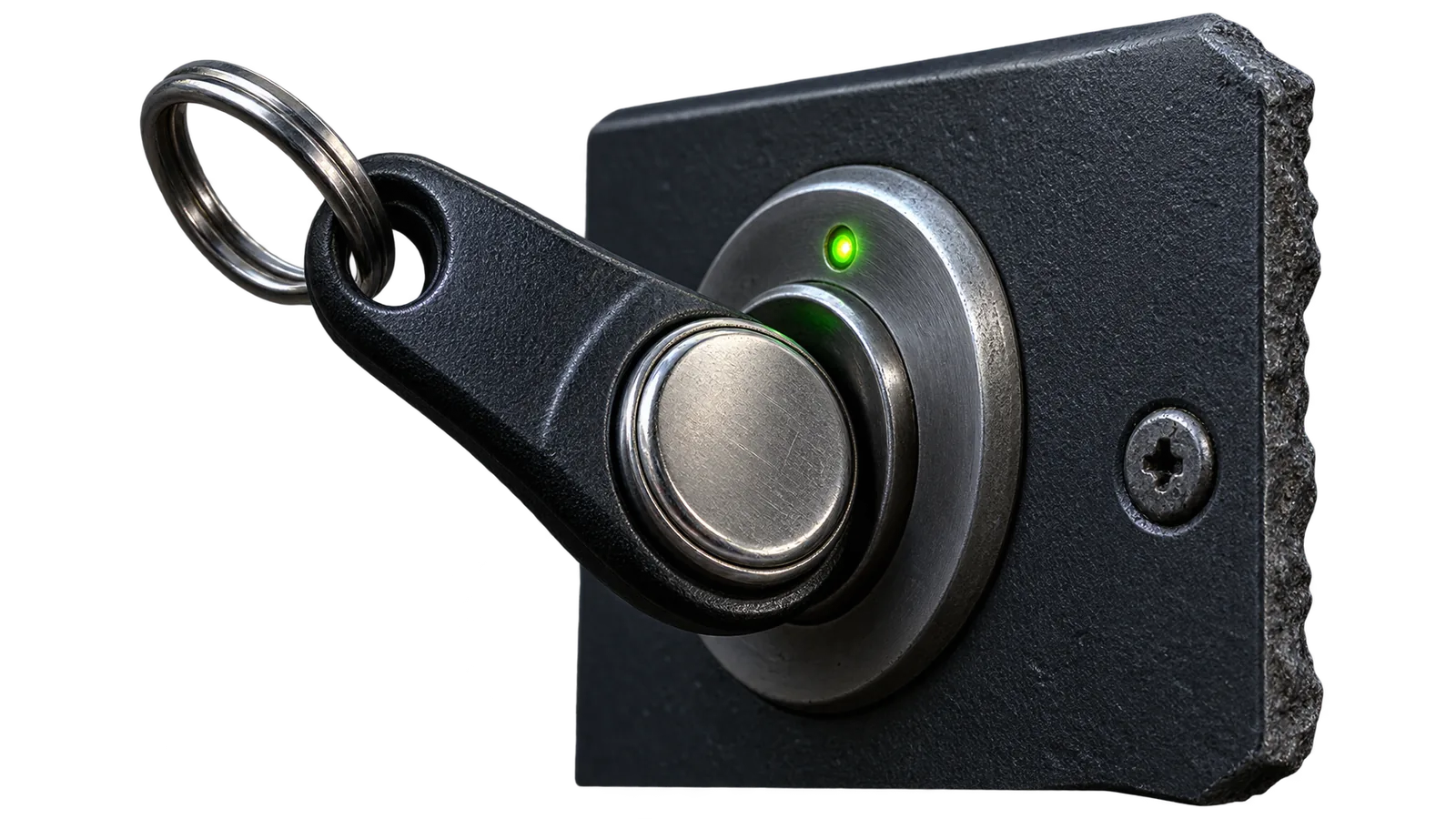
A Touch Memory key arms and disarms without a code — following the group mask of the user it is bound to. The panel remembers only the last presented key and only for ten seconds, so keys are added strictly one at a time.
You will need
TM key from the kit, Saqfire app or the configurator
Important
The panel buffer holds only the last presented key and only for ten seconds. Add keys strictly one by one: present — read — assign.
- 1
Present a new key
The panel answers with a low “unknown key” tone and remembers it for ten seconds.
- 2
Read the key
In the app or configurator open the users tab and press “Read key” — the code of the last key comes back.
- 3
Assign it to a user
Pick the user slot and save: the key binds to that exact user.
- 4
Check it works
Touch the key to the port: arming or disarming follows the user’s groups, the event goes to the console.
The result
The key is bound to its user and stored in the panel’s non-volatile memory: it survives both a reboot and a firmware update.