
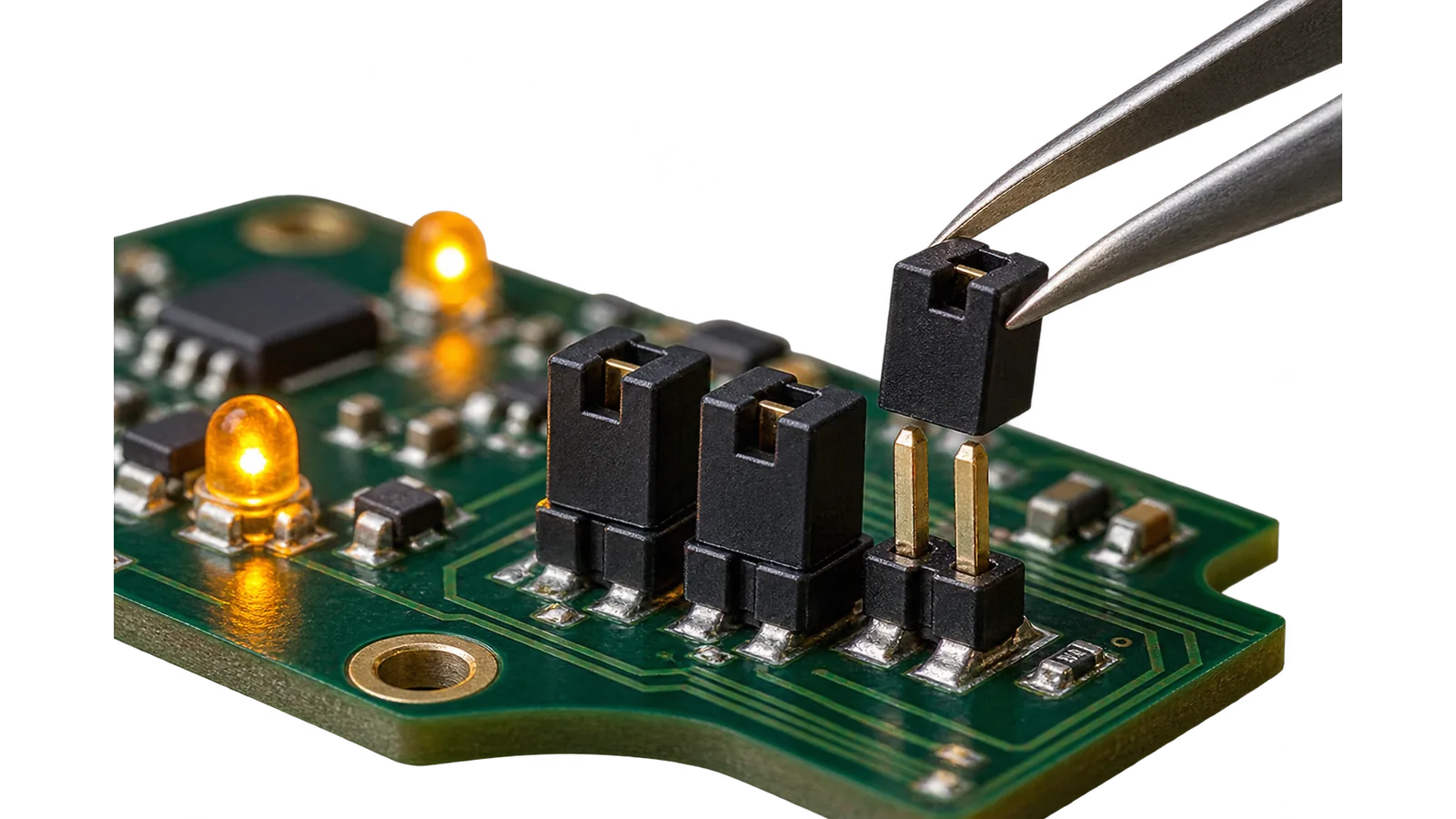
Jumpers J1–J3 give a working zone layout in minutes, with no computer and no server. The preset lives in RAM, so the main site configuration stays untouched.
You will need
Jumper from the kit, access to the controller board
Important
The preset works only while the jumper is in place: it lives in RAM and never overwrites the main site configuration.
- 1
Power the panel down
Jumpers are read at start-up, so the layout changes only when the panel restarts.
- 2
Pick a preset
J1 — all zones instant burglary, J2 — all fire type A, J3 — 24-hour audible, J1+J2 — a combined site with an entry zone.
- 3
Restart the panel
Apply power or press RESET: the panel loads the preset and reports the current layout to the server.
- 4
Return the main configuration
Remove the jumper and restart once more — the previous site settings come back by themselves.
The result
The panel runs the typical commissioning layout, and after the jumper is removed and the panel restarted it returns to the main configuration by itself.