
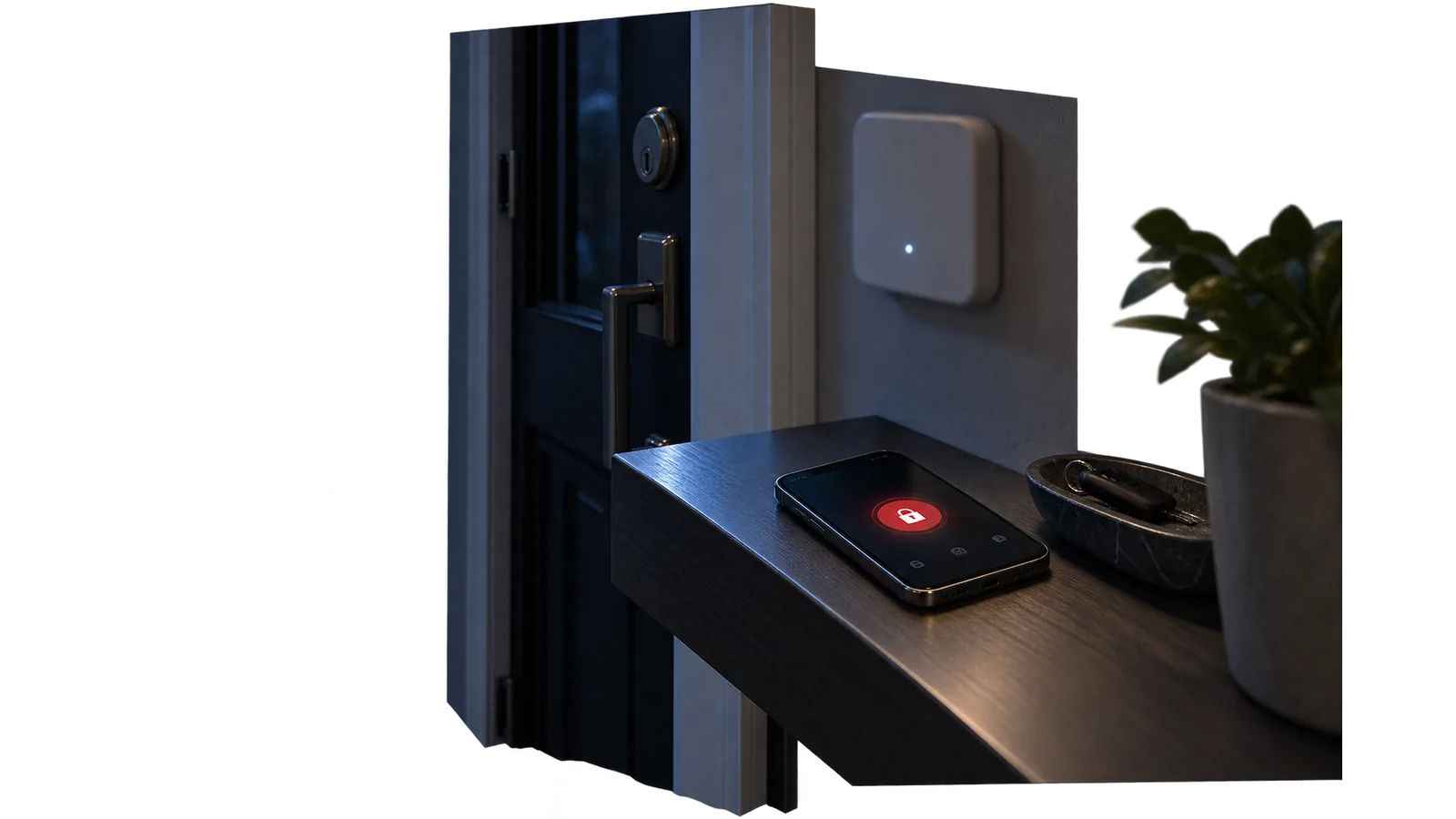
The owner needs no wall panel: arming and disarming happen in the Saqfire app. If a loop is out of order, the app shows the reason before an arming attempt is even made.
You will need
The Saqfire app, access to the site
Important
If a loop is not in a normal state, the app shows why. Do not arm a site with a faulty loop: the event will not reach the console.
- 1
Open the site
Pick the site from the list. The card shows loop states and recent events.
- 2
Check readiness
All intruder loops must read normal: doors and windows closed, no movement in the zones.
- 3
Arm the site
The arm button covers the whole site or the areas you select.
- 4
Night mode
The perimeter stays armed while interior zones switch off so people can move around.
The result
The site is armed as a whole or by groups, night mode holds the perimeter, and every event arrives as a push and stays in the history.